 tellnova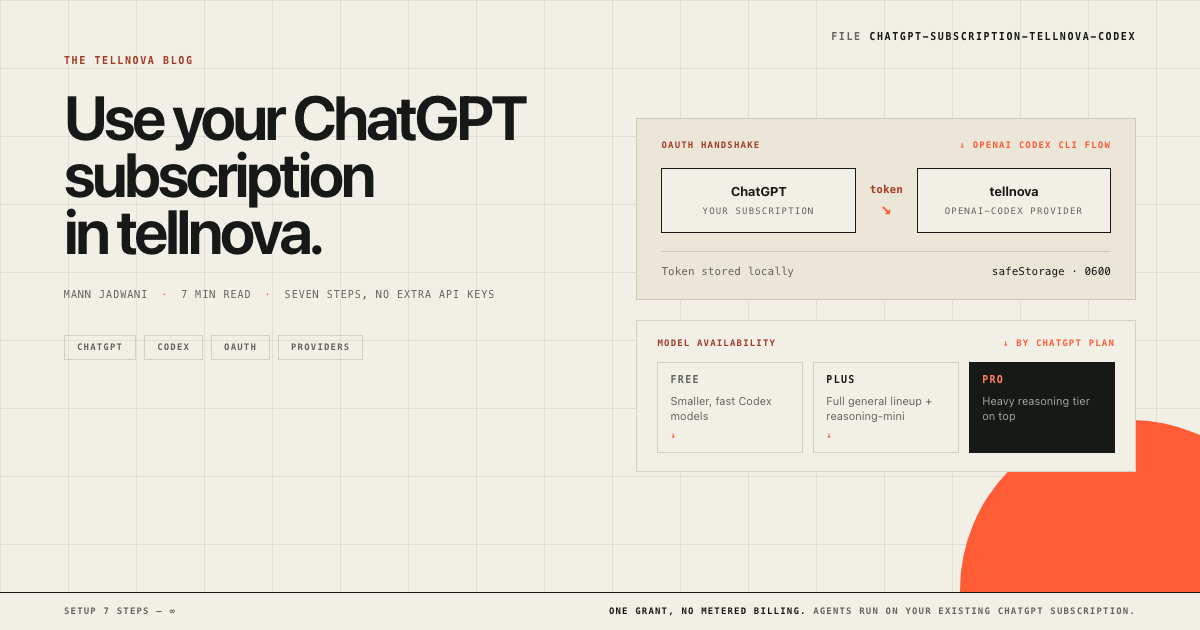
Search visibility aside for a moment — the most common reason people do not run background coding agents is not skepticism, it is the bill. A second OpenAI API key on top of an already-paid ChatGPT subscription feels redundant, especially on a free or Plus plan where you are paying for tokens you cannot use elsewhere. tellnova has a quieter answer: it can authenticate against your ChatGPT account directly, using the same OAuth flow as OpenAI's Codex CLI. Your existing subscription does the talking. No parallel API key, no separate metered usage, no surprise invoice at the end of the month.
This is a seven-step walkthrough from a fresh install to a background agent ticking on real work against your own ChatGPT subscription. It assumes nothing except a ChatGPT account and a GitHub account — both free.
1. Install tellnova
Grab the desktop build for your platform from the GitHub releases page:
- macOS (Apple silicon and Intel) — the DMG
- Windows 10 / 11 — the portable ZIP
- Linux — the AppImage
Open the file, drag the app to Applications on macOS (or run it directly on Windows and Linux), and launch it. First launch opens the sign-in window. tellnova is unsigned during its public alpha, so macOS and Windows will show a security prompt — that is expected, not a red flag. The install guide walks through it in about two minutes.
2. Set up GitHub
tellnova needs GitHub access for two reasons: it signs you in, and it lists your repositories so you can pick one for each task. The OAuth app is owned by tellnova and asks for the repo scope — read and write access to the repositories you authorize.
You do not need to register anything yourself. The setup that matters on your end is having a GitHub account and being comfortable granting repo access to the application called "tellnova". If you want a tighter blast radius, create a dedicated GitHub account for agent work and only push the repositories you are happy for agents to touch.
3. Sign in to tellnova with GitHub
In the tellnova window, click Continue with GitHub. A browser tab opens, you approve the OAuth grant, and you are returned to the app signed in. Your GitHub repositories appear in the picker on the left sidebar.
If you would rather not use GitHub for sign-in, email and password also works — tellnova supports both, and both grant the same internal access.
4. Open Settings
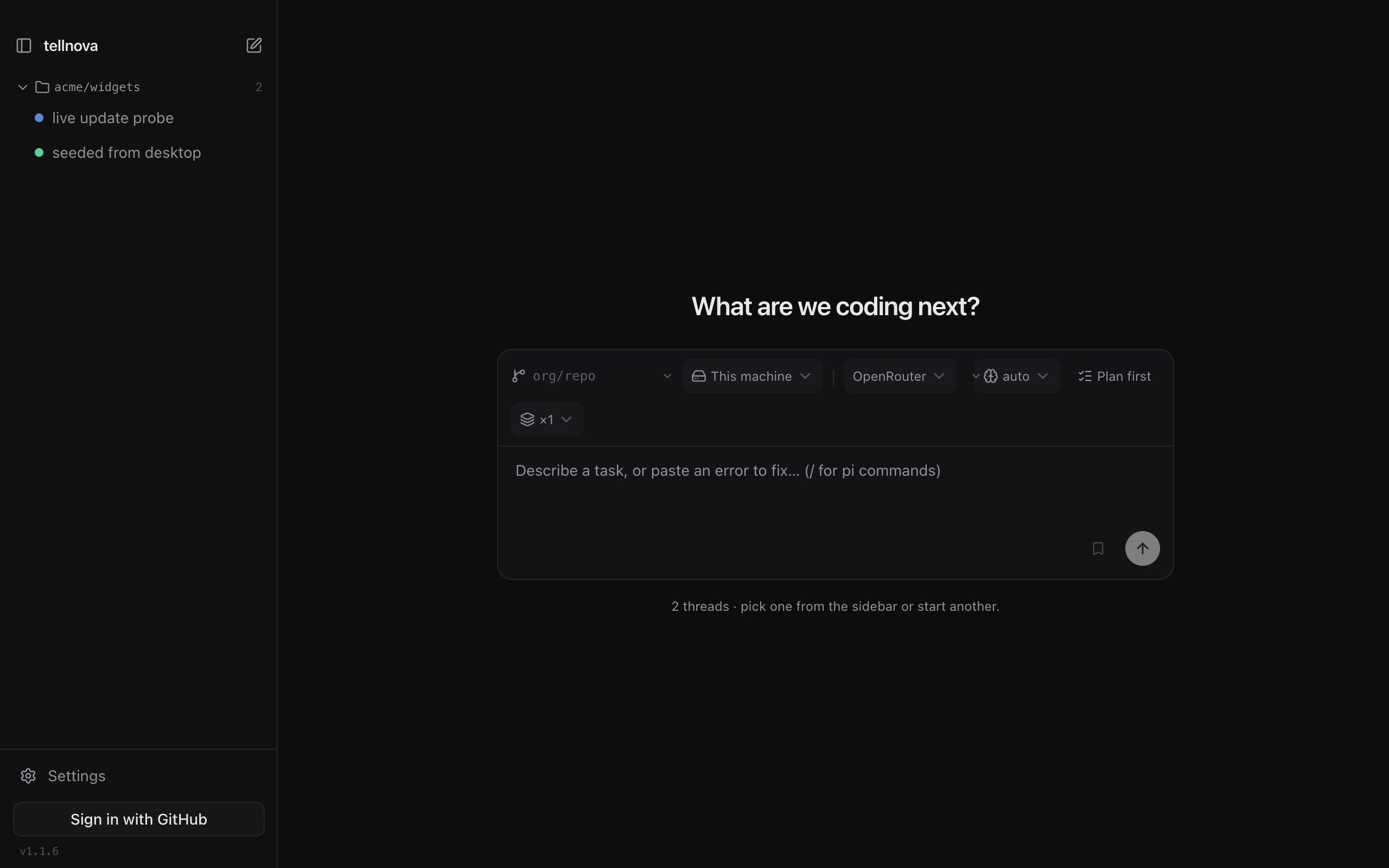
The gear icon at the bottom of the left sidebar opens Settings. The Providers section lists every model provider tellnova knows about — OpenRouter, OpenCode Go, and Codex (ChatGPT OAuth). Pick Codex.
5. Sign in with ChatGPT
Clicking Connect ChatGPT opens a browser window that drops you into OpenAI's OAuth flow — the same one the Codex CLI uses. Approve the grant and the browser hands a token back to tellnova. The app stores the token locally (Electron safeStorage when available, mode 0600 on the standalone server) and refreshes it before it expires. You will not see this dialog again unless you revoke the grant from your ChatGPT account or disconnect Codex in Settings.
Under the hood tellnova maps this to the openai-codex provider so the agent runtime can address it like any other backend:
// electron/pi-config.cjs
const provider = {
  codex: 'openai-codex',
}
That single mapping is what lets a free ChatGPT account, a Plus subscription, and a Pro subscription all show up as ordinary providers inside tellnova — no per-user configuration, no token juggling.
About model availability: the Codex provider exposes whichever models your ChatGPT plan unlocks through the OAuth token. A free plan gets the smaller, faster models — the ones OpenAI designates for everyday Codex use. Plus adds the full general lineup plus reasoning-mini. Pro adds the heavy reasoning tier. tellnova does not pick; the token does. If you do not see a model you expect, the plan is the constraint, not the app.
Download tellnova ↓ — and if you have not yet, pick Codex (ChatGPT OAuth) in Settings.
6. Confirm you are signed in to the browser
The OAuth dance requires that the browser you used to approve ChatGPT is actually signed in to the ChatGPT account you intend to use. If you signed in with a different account in another tab, or the session expired, tellnova will silently inherit the wrong subscription. Quick check before your first task:
- Open the browser profile you used for the OAuth step.
- Visit [ https://chatgpt.com ] — confirm the avatar matches the account you want agents to bill against.
- If it does not match, sign out, sign back in as the right account, then click Disconnect and Connect ChatGPT again in tellnova.
This is the one footgun. Once the browser and tellnova agree on the account, everything downstream just works.
7. Import a project and start a background agent
You now have two ways to start work.
From GitHub — pick any repository the signed-in account can access. tellnova clones it into an isolated worktree on its own branch, so the agent never disturbs your working copy. Pick a model from the Codex provider dropdown, describe the outcome in the composer, and press send. The thread starts ticking in the background while you keep coding. The sidebar tracks the live status, the terminal, and a browser preview for every active thread.
From your computer — for a local repository that is not on GitHub yet, use Import local folder in the composer. tellnova creates the worktree inside ~/.nova/worktrees/ on your machine and the same isolated-agent loop applies. When the agent finishes, the diff is reviewable in the sidebar and a one-click pull-request button opens a PR on GitHub if you later push the branch.
That is the whole loop. Run a second task while the first is still working — each gets its own branch, its own terminal, its own browser preview — and tellnova's sidebar keeps every thread visible at once. Background agents on your own subscription, in your own worktrees, with your own review gate before anything merges.
Download tellnova ↓ and connect ChatGPT in Settings — the agents are waiting. If you would rather read the engineering side of the story first, the automated SEO and GEO playbook shows how the same loop powers scheduled improvements to your own site, and the tellnova GitHub repo is open if you want to look under the hood.