 tellnova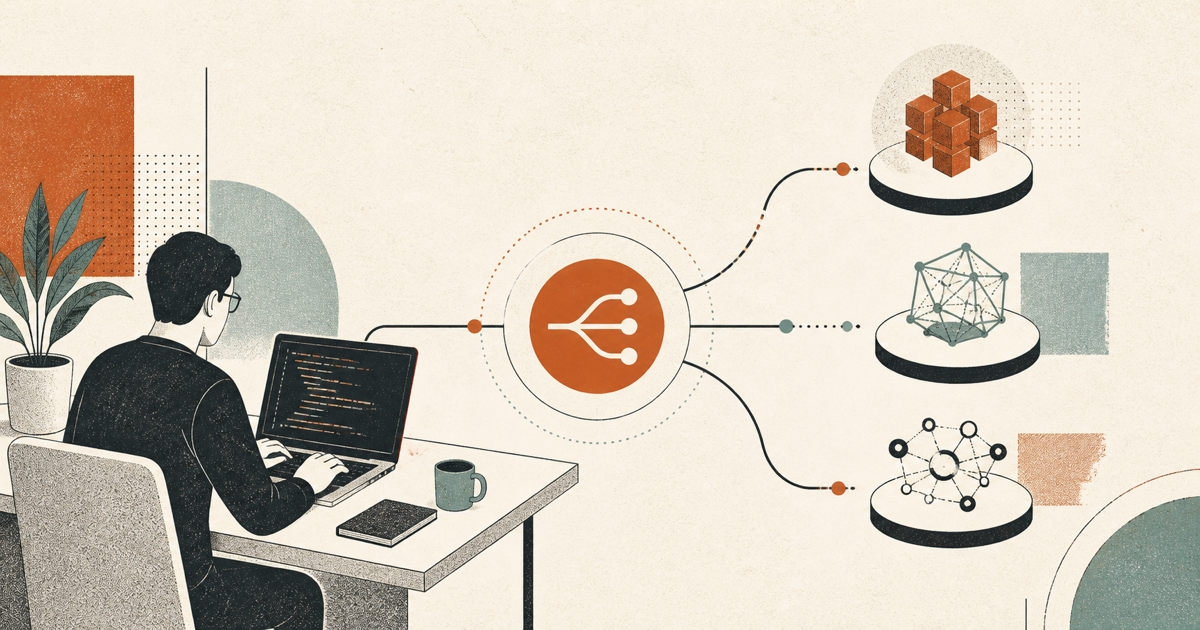
OmniRoute with Codex gives you one coding-agent interface and a routing layer that can use many model providers. OmniRoute's published free-tier audit currently estimates about 1.53 billion documented recurring tokens per month across its provider pools. That is why it is reasonable to describe the available pool as 1.3B+ free tokens—but it is not a guaranteed allowance from one company or one account. Quotas, rate limits, model availability, and provider terms still apply.
This guide connects the Codex CLI to a local OmniRoute instance, adds free providers, and verifies that requests are actually going through the router. You can use the same setup with tellnova when you want those Codex tasks to keep running in isolated worktrees.
What OmniRoute with Codex actually does
Codex normally sends requests to the model provider configured in its profile. OmniRoute sits between Codex and the providers as an OpenAI-compatible endpoint. Codex keeps its familiar terminal workflow, while OmniRoute handles model discovery, routing, fallbacks, usage tracking, and provider credentials.
The architecture is simple:
- Codex sends a Responses API request to
http://localhost:20128/v1 - OmniRoute selects a configured provider and model
- Failed or rate-limited providers can fall through to another route
- The response returns to Codex in the format it expects
OmniRoute is open source. Its official provider catalog includes free tiers, trial credits, OAuth-based subscriptions, paid APIs, and local models. The free-token total is an aggregate estimate across documented pools, not a promise that every user can continuously consume the full amount.
Install and start OmniRoute
You need Node.js and the Codex CLI installed. Then install OmniRoute globally and start its local server:
npm install -g omniroute
omniroute
The dashboard opens at http://localhost:20128. The OpenAI-compatible API base is http://localhost:20128/v1. If the dashboard does not open automatically, visit the address manually.
The official OmniRoute setup guide also documents pnpm, Docker, source, and Linux package installation paths. Use the current release instructions for your operating system instead of copying commands from an old social post.
Add free model providers
Open the OmniRoute dashboard and add the providers you are eligible to use. Start with two or three rather than connecting everything at once. That makes failures easier to diagnose.
OmniRoute's free-tier reference describes a mix of recurring quotas, one-time signup credits, rate-limited free endpoints, and providers with no published token cap. Availability can vary by country and account. Read each provider's current terms before connecting it.
A practical route might include:
- one reliable free coding model as the primary route
- a second free provider for rate-limit fallback
- a local model or paid API as an optional final fallback
Do not treat free routing as infinite capacity. Circuit breakers can move around outages, but they cannot create quota after every provider is exhausted.
Generate Codex profiles automatically
Once OmniRoute is running and at least one provider is connected, let it generate Codex profiles from the live model catalog:
omniroute setup-codex --dry-run
omniroute setup-codex
The first command previews the files. The second writes model-specific profiles under ~/.codex/. According to the official Codex configuration guide, the generated profiles reference the OmniRoute key through an environment variable rather than embedding the secret directly in the profile.
You can also launch Codex without permanently changing its normal configuration:
omniroute launch-codexTo use a generated profile explicitly:
omniroute launch-codex --profile your-profile-nameProfile names depend on the models discovered in your instance. List the generated files or use the names printed by setup-codex; do not assume a model identifier from a screenshot will exist in your catalog.
Configure Codex by hand when needed
Automatic setup is safer, but the underlying configuration is straightforward. A Codex profile points at OmniRoute as a custom model provider:
model = "your-model-id"
model_provider = "omniroute"

[model_providers.omniroute]
name = "OmniRoute"
base_url = "http://localhost:20128/v1"
env_key = "OMNIROUTE_API_KEY"
requires_openai_auth = false
wire_api = "responses"
Then export the key that you created in OmniRoute:
export OMNIROUTE_API_KEY="your-omniroute-key"Keep the actual key out of config.toml, shell history, screenshots, and repositories. Restart Codex after changing provider configuration or environment variables.
Verify the route before real work
Run a small prompt first:
omniroute launch-codex -- "Reply with the active provider and model name, then stop."Check the OmniRoute dashboard while the request runs. You should see the request, selected route, token usage, latency, and any fallback attempt. If Codex answers but OmniRoute records nothing, Codex is probably still using another profile.
Common fixes are concrete:
- confirm OmniRoute is listening on port
20128 - confirm the profile uses the
/v1base URL - confirm
OMNIROUTE_API_KEYexists in the shell that launches Codex - run
omniroute setup-codex --dry-runagain after adding providers - restart Codex after changing its profile
What the 1.3B+ number means
The headline refers to an aggregate of documented recurring free-tier pools in OmniRoute's research. The current reference estimates approximately 1.53B recurring tokens monthly, with a higher first-month estimate when one-time signup credits are included. Some permanently free services have no published cap and are deliberately not added to that total.
Your usable amount will be lower or higher depending on which providers you can access, their changing rules, model-specific limits, downtime, and whether you actually keep the system busy. Treat the number as a map of available supply, not a service-level agreement.
That distinction matters. A router is valuable because it combines independent pools, chooses among them, and keeps a coding workflow alive when one route becomes unavailable. It does not turn temporary promotions into guaranteed infrastructure.
Run routed Codex tasks in tellnova
Once the provider works in Codex, you can use it for normal coding tasks or bring the workflow into tellnova. tellnova runs tasks in isolated git worktrees, keeps multiple pieces of work visible, and lets you review the resulting changes before shipping them.
Download tellnova for background coding tasks, or read the guide to using a ChatGPT subscription in tellnova. OmniRoute solves model routing. tellnova solves the operational layer around the work: tasks, runs, environments, review, and automation.